
Table of Contents
Have you ever wanted to see what a website looked like in the past? Maybe you need to recover old information from a site that has since changed or disappeared. The Wayback Machine Downloader, available at waybackmachinedownloader.net, is a helpful tool that lets you download old versions of websites. It’s easy to use and can save you time if you need to access websites as they appeared on a specific date.
What is the Wayback Machine Downloader?
The Wayback Machine is an online service that saves copies of websites from different points in time. The Wayback Machine Downloader makes it easier to download these saved copies so you can access them on your computer. This is especially useful for people who need old versions of a website for work, research, or personal reasons.
Why Would You Use It?
Here are some reasons why the Wayback Machine Downloader can be really helpful:
-
Recover Old Websites or Pages
If you’re trying to bring back an old website or page that no longer exists, you can download a version from the Wayback Machine downloader and use it as a reference or even rebuild the page. -
Check Past SEO Performance
If you’re trying to understand how a website used to perform, you can look at older versions to see what content was successful and try to recreate it. -
Legal and Compliance Needs
Sometimes, you need proof of what a website looked like in the past. For example, if there’s a legal question about a webpage’s content, you can use the downloaded version as evidence.
How to Use the Wayback Machine Downloader
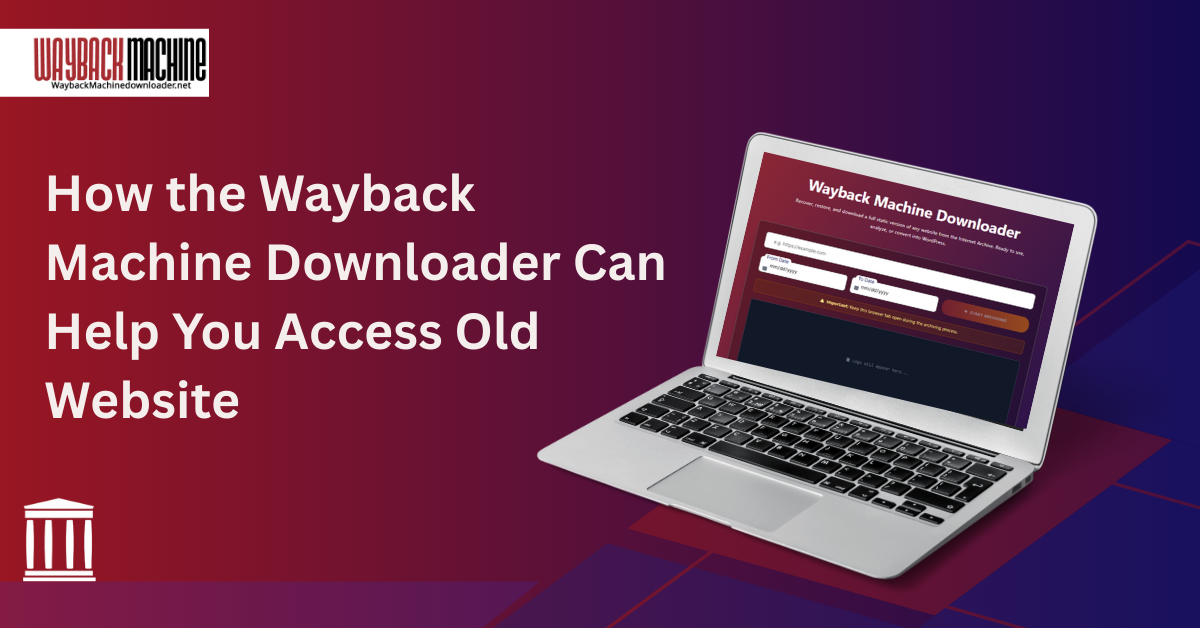
It’s simple to use the downloader! Just follow these steps:
-
Type the website URL (web address) of the page you want to download.
-
Enter the start and end dates for the data you need
- You will need to fill in the “I’m not a robot” CAPTCHA.
5. Click the “Start Archiving” button, and the tool will collect the website for you.
6. Once the download is complete, you can open it on your computer to view the website as it appeared at that time.
Benefits for SEO and Content Creation
If you work on websites or care about SEO (Search Engine Optimization), downloading old pages can help:
-
Find Old Pages with Good Links: If an older page had many visitors or good links from other sites, you might want to restore it.
-
Look for Missing Keywords: By comparing past and current versions of a website, you can see what keywords were used and find opportunities to improve your current content.
-
Test New Designs: If you want to change the look of a website, you can download the old version, experiment with changes, and see how it works before updating the live site.
Things to Remember
-
The downloaded website may not always have everything from the original, as some pages or files might be missing in the archive.
-
If you’re planning to use or share the downloaded content, make sure you have the right to do so. Some content might be protected by copyright.
-
Old websites may have outdated design practices, so use them for inspiration but not as a blueprint for current web design.
FAQs
1. What is the Wayback Machine Downloader?
It is a tool that lets you download old versions of websites saved in the Wayback Machine.
2. How does the Wayback Machine Downloader work?
It collects archived website data from the Wayback Machine and lets you download it directly to your computer.
3. Why would I use the Wayback Machine Downloader?
You can use it to recover old websites, view past content, check SEO history, or keep records for legal purposes.
4. Can I restore deleted or missing web pages?
Yes, if the Wayback Machine has archived the page, you can download and view that version.
5. Is the tool easy to use?
Yes. Simply enter the website URL, choose dates, complete the CAPTCHA, and click “Start Archiving.”
6. Can I check past SEO performance using this tool?
Yes. You can analyze old structures, content, and keywords to improve your current site’s SEO.
7. Will the downloaded site include everything from the original?
Not always some images, files, or pages might be missing depending on what the archive stored.
8. Can I use the downloaded content on my website?
Only if you have the rights or permission, as some content may be copyrighted.
9. Is it useful for design or website updates?
Yes. You can compare old designs, test new layouts, and learn what worked before updating your live site.
10. Is the Wayback Machine Downloader safe to use?
Yes, it is safe. Just be sure to follow copyright rules and use the downloaded content responsibly.
Final Thoughts
The Wayback Machine Downloader is a simple tool that can help you to download old versions of websites quickly and easily. Whether you’re recovering lost content, learning from past SEO performance, or needing proof of what a site looked like, this tool can be a lifesaver. To start downloading websites, visit waybackmachinedownloader.net and explore the world of web history!
Tag Post :

Responses